The crazy crafting holiday whirlwind is upon us, and if you’re like me, you’re ready to whip up some show-stopping cards.
Get ready for three days of Cricut card-making magic!
The Cricut Card Summit is coming your way on Dec 5-7, 2023.
There are 21 stellar speakers, ready to demystify your Cricut and help you create card masterpieces that’ll leave everyone in awe.
It’s FREE to attend – just sign up for your ticket here! 🌟

In my workshop, I’ll show you how to make a Penguin Party Shutter Card, with a family photo and text of your choice.
(Side note: Penguins are my favorite animal! I mean, who can resist their adorable waddle on land, their effortless glide through the water, and that amazing moment when they rocket up from the water onto the ice? I could watch them all day.)
But here’s the best part: These cards are not only fun to make, but with a cherished photo, they practically guarantee that your creation will be proudly displayed.

As with most summits, you can enjoy all of the workshops and SVG downloads free for 24 hours during the event.
If there is just too much going on, and you’re worried about missing out or want the ability to rewatch whenever you want, consider upgrading to the VIP All-Access Pass.
And, if you want to get a jump on those Christmas cards during Thanksgiving break, you can get instant access to all of the workshops, files, and tons of bonus files if you purchase the VIP All-Access Pass. (Or perhaps you were that mischievous little child who simply could not wait until Christmas to open those gifts?)
💜 Tip: 💜 You get the very best price for it right after you sign up for the free ticket.

Ready to organize all of your SVGs and PDF instruction downloads?
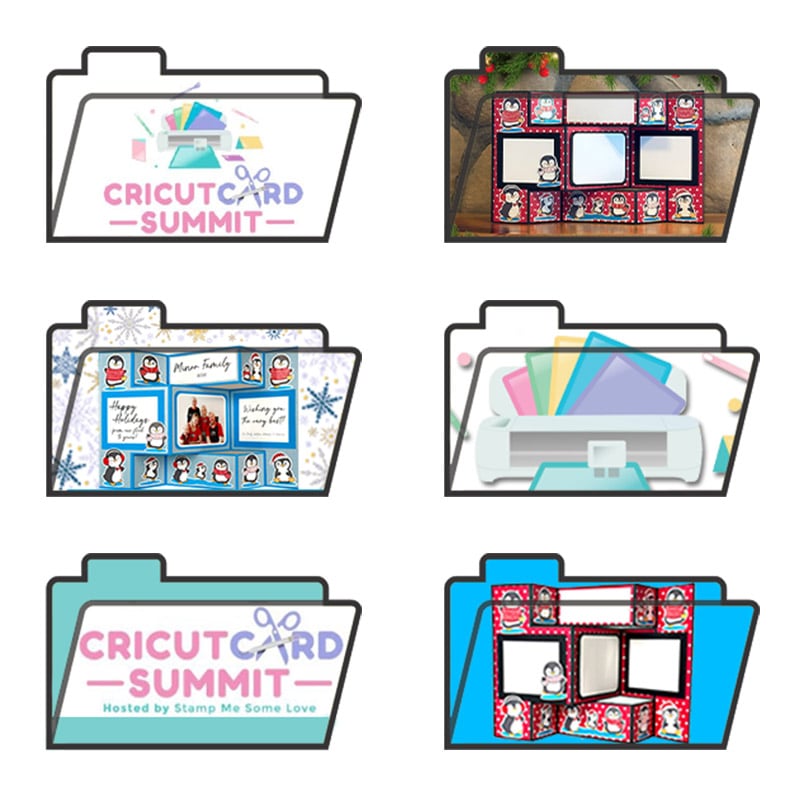
Download the folders from the Free Files Folder.
The password is at the bottom of each email you receive from me.
Here’s the tutorial on how to change the folder icons on your computer.
💜💜💜
Join my community to:
– get the Penguin Party Placement Guide you were promised in my workshop
– learn more paper crafting and Cricut tips
– get access to download the project files for pop-up cards, printables, and party prep
Links to some of the things I mention in my workshop:
How to create a custom material setting for Zicoto Sticker Paper
Fonts from Creative Fabrica (Sign up here for 10 free downloads!)
- the script font Natalie
- the typewriter font Front Porch
Materials and Supplies needed
Full-size cutting machine such as the Cricut Maker 3 or the Explore Air
Scoring tool – I often use the scoring stylus so I don’t have to switch tools, but you can easily use the scoring wheel
Cricut piercing tool (in the Cricut TrueControl Weeding Kit)
12×12 65-lb cardstock for the base – Recollections 12×12 Multicolor, 200 sheets
Soft Blue Glimmer Cardstock from 12 x 12 Cardstock Shop
Beacon 3-in-1 Advanced Crafting Glue
Epson XP-15000 Wide Format Photo Printer
Your favorite digital photo
Fonts from Creative Fabrica (Sign up here for 10 free downloads!)
- I used Natalie and Front Porch
What’s my VIP AAP contribution?

💜 Share your thoughts by leaving a comment! 💜